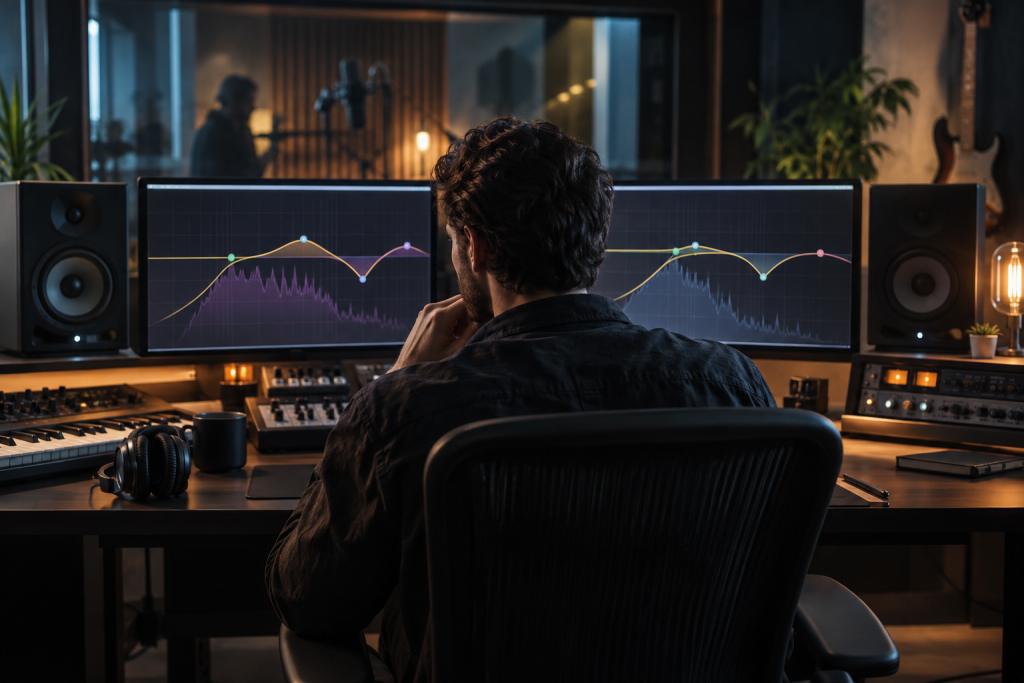
Pro-Q 3 has been sitting on my master bus and every channel insert since 2018. So when FabFilter announced Pro-Q 4, my first instinct wasn’t excitement. It was a spreadsheet. Do I really need to pay for a new EQ when the old one already does everything I ask? I spent a couple of weeks running both side by side on the same sessions before I decided, and the answer isn’t a clean yes or no.
Here’s the honest breakdown.
What Actually Changed Under the Hood
FabFilter has never been the kind of company that rebuilds a plugin from scratch just to justify a version number. Pro-Q 3 added dynamic EQ bands and the spectrum grab feature, which genuinely changed how I mix. Pro-Q 4’s headline additions are mostly about workflow and a new processing mode, not a total overhaul.
The biggest practical change for me is the improvement to dynamic band behavior. If you’ve spent any real time with Pro-Q 3, you know the pain: dynamic bands can feel sluggish on transient material, and dialing in the attack and release to sit right on a snare or a plucky synth stab takes forever. On Pro-Q 4 those controls respond more predictably, and I found myself actually using dynamic bands on drum buses instead of reaching for Soothe or a multiband compressor first.
That matters. On a track where I used to stack a dynamic EQ cut at 200Hz and a separate multiband to tame a boomy kick, I could now handle most of it inside one instance. Fewer plugins, less phase smearing, faster decisions.
The Interface Changes Are Real, Not Cosmetic
FabFilter reskinned things, but the reskin isn’t just about looking modern. The band list is easier to scan when you’re working with a dozen bands, and the keyboard shortcuts for switching band types have been tightened up. Small thing. Compounds over a four-hour session.
What I don’t love: the new default theme is lighter and higher contrast than Pro-Q 3’s, and on a dark studio it’s actually more fatiguing than the old one. You can switch it back, but it’s the kind of change that makes you wonder who was asking for it.
The Sound Question
This is where people get weird. FabFilter’s marketing implies Pro-Q 4 has improved filter algorithms, and yes, phase behavior at extreme settings is measurably cleaner. But in a blind test on a full mix, I couldn’t reliably pick which was which. Neither could anyone else in my room.
Pro-Q 3 already offered colorless equalization, which is exactly why it ended up first in so many mastering chains. It attenuates problem frequencies without adding character. The Pro-Q 3 lets you cut low frequencies out of the side image, tame sibilance with a narrow dynamic band, and roll off everything below 15Hz for headroom, all in one plugin. Pro-Q 4 does the same job with slightly better dynamic resolution and a cleaner phase response in edge cases. That’s a real improvement. It’s also not the kind of improvement you’ll hear on a car stereo.
If you’re expecting a new EQ “sound,” you’re going to be disappointed. This is still a transparent surgical tool, not a coloring EQ. If you want color, you want an analog emulation sitting later in the chain, not Pro-Q 4.
When the Upgrade Is Worth It
- You lean on dynamic EQ regularly. This is the clearest case. The dynamic band improvements alone justify the upgrade if you’re using Pro-Q as a frequency-dependent compressor rather than just a static EQ.
- You mix on the master bus with narrow dynamic cuts. The improved behavior at high Q values makes a real difference when you’re doing surgical work in mastering, where every dB matters and you can’t afford a band that overshoots.
- You’re on Pro-Q 2 and thinking about jumping two versions. At that point you’re not paying for one upgrade, you’re paying for six years of development. Easy call.
- You work with a lot of stacked dynamic bands and CPU is a bottleneck. Pro-Q 4 is more efficient per instance than Pro-Q 3 in my testing, though I won’t quote a percentage because it varies wildly by session.
When You Should Skip It
- You use Pro-Q 3 as a static EQ. If your bands aren’t moving, Pro-Q 4 gives you almost nothing. Your Pro-Q 3 license still works fine.
- You’re on a tight budget. FabFilter upgrades cost real money. If you’re saving toward a synth or a proper interface, buy the gear. The EQ you already own is not the weak link in your setup.
- You just bought Pro-Q 3. Check the upgrade window before you panic. FabFilter has historically gone easy on recent buyers, but verify on your account page before assuming.
The Comparison Everyone Actually Wants
Here’s how I’d rank the practical value of the Pro-Q 4 update against the alternatives:
Versus staying on Pro-Q 3: Worth it if you use dynamic EQ seriously. Not worth it if you don’t. That’s the whole answer, and anyone telling you otherwise is selling something.
Versus your DAW’s stock EQ: Pro-Q 4 still wins on workflow, spectrum analysis, mid-side, and dynamic bands. Stock EQs have gotten good, but none of them match the total package. I covered the specifics of that comparison elsewhere, so I won’t repeat myself here.
Versus a dedicated dynamic EQ like TDR Nova or a multiband compressor: This is where it gets interesting. Nova is free and does most of what Pro-Q 4’s dynamic bands do. If you only need dynamic EQ on one or two problem tracks, Nova is genuinely enough. Pro-Q 4’s advantage is having all of it in one interface with the surgical precision of the Pro-Q system, plus the mid-side control that Nova doesn’t match as cleanly. If you’re already paying for Pro-Q, consolidate. If you’re not, think hard about whether the upgrade is the best use of that money for your setup.
What I Actually Ended Up Doing
I upgraded. But I upgraded specifically because I use Pro-Q as a dynamic EQ on almost every session, and the workflow improvement saves me real time. On a session where I used to insert a dynamic EQ and then a separate multiband to handle different frequency ranges, I now do both in one instance. Multiply that across a 30-track mix and the time savings are real.
If that’s not your workflow, keep your money. Your Pro-Q 3 isn’t broken and it won’t suddenly stop being the EQ that half the industry reaches for. Pro-Q 4 is a refinement, not a reinvention. For a plugin that’s already this good, that’s not a bad thing. It’s just not the upgrade every producer needs.
The trick with FabFilter is the same as with every other plugin house: buy the version that solves your problem today, not the version that might impress you in a YouTube demo. Pro-Q 3 solved a lot of problems for a lot of people. Pro-Q 4 solves a few more, for a few more people. Know which camp you’re in before you click buy.