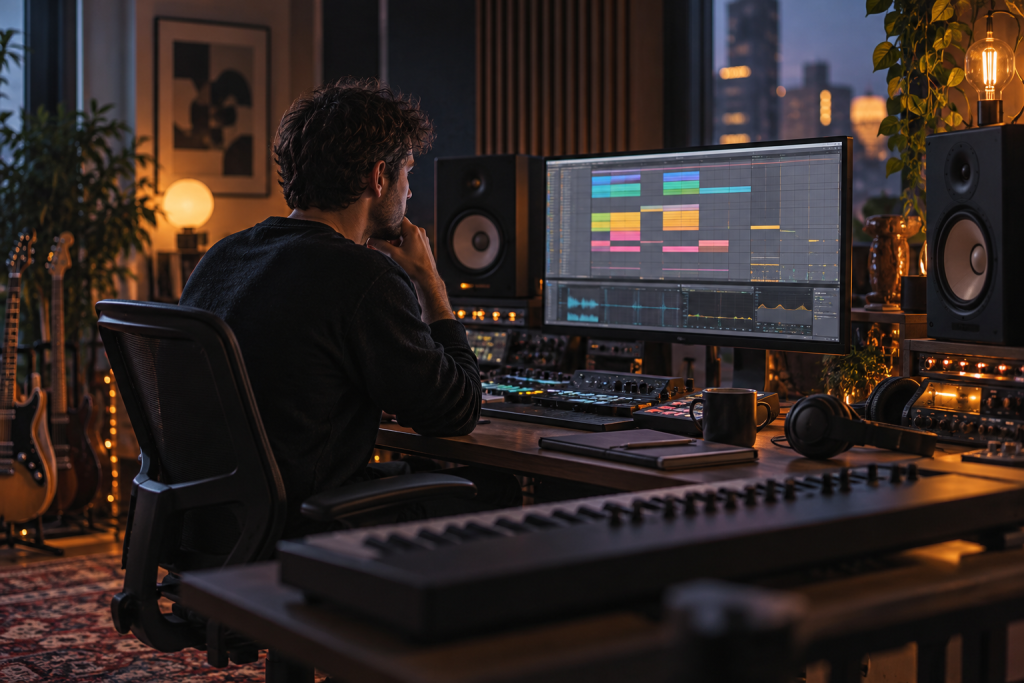
Live 12.2 isn’t the update that changes how your tracks sound. It’s the update that changes how fast you get to the end of them. And for anyone who actually finishes music instead of just collecting half-arranged loops, that distinction matters more than any new device.
I’ve been running 12.2 for a while now, and the honest summary is this: there’s no headline feature here. No new synth, no marquee effect you’ll slap on every track. What Ableton did was sand down the rough edges left over from the 12.0 launch, then push a few workflow ideas further. If you were already happy on 12.1, you’ll shrug. If the browser or MIDI tools annoyed you, you’ll notice.
The browser keeps getting out of your way
Live 12’s rebuilt browser was the biggest quality-of-life shift in years. It categorises your own samples automatically, which finally makes digging through a personal library feel less like archaeology. The search filters down hard, and you can save complex searches, so if you routinely hunt for a specific kind of 808 or a particular texture, you recall those filters instead of rebuilding them every session.
That foundation is what 12.2 refines. The tagging and search logic now behave more predictably when you’re moving fast, which is the whole point. The producers who finish tracks aren’t the ones who know every keyboard shortcut. They’re the ones who can find the right sound in ten seconds and move on. Build your browser library early, tag your own presets and racks from day one, and this update pays you back. Neglect it and you’ll never feel the difference.
Where it still frustrates: very large libraries can make you want a proper external tag manager. Ableton’s system is good, not encyclopedic. If you hoard tens of thousands of one-shots, you’ll still do some manual housekeeping.
MIDI tools got less fiddly
Live 12 introduced a suite of MIDI tools designed to make it easier to generate melodic and harmonic ideas, and reviews at the time flagged that some of these felt due for refinement. That’s roughly where 12.2 lands. The generative and transformation tools feel smoother, the behaviour is more consistent, and the ergonomics stop fighting you mid-idea.
I’ll be blunt: these tools will not write your track. They’re idea generators, and half of what they spit out is throwaway. But the other half occasionally gives you a phrase you’d never have played, and that’s worth the price of admission. Treat them like a jam partner with no ego, not an arrangement button.
Why this matters for finishing tracks
Arrangement is where most producers stall. The clip-launching workflow in Session View is great for building loops and combinations on the fly, but it can trap you in an eight-bar forever-loop with no exit. Anything that shortens the gap between “I have an idea” and “that idea is placed in the timeline” is doing real work, even if it’s unglamorous.
That’s the lens I’d use for this entire update. Ask one question: does it get a finished arrangement out of me faster? For the browser and MIDI refinements, the answer is a cautious yes.
UI flexibility, still the quiet win
Live 12 made the famously rigid interface customisable. You can now call up elements like the mixer alongside the Arrangement View instead of being locked into one layout. Coming from the older Live mindset, that single change cut the amount of window-hopping I do. 12.2 continues that trend, and it stacks with the accessibility improvements that opened the DAW to a wider pool of users.
Is it as flexible as Bitwig’s movable clip launcher and mix windows? No. Bitwig 6 lets you place the clip launcher wherever you want, and its redesigned automation turns curves into real clips you can copy, loop, stretch, and even fling into the Grid for deeper modulation. Ableton’s automation is still a straight line by comparison, and that’s a genuine gap in 2026.
But here’s the thing: for me, Ableton’s audio manipulation remains the reason I stay. Drag in a vocal that’s completely off-grid, drop warp markers, lock it to your groove in seconds. Complex Pro handles big tempo jumps, say a 110 BPM acapella into a 128 BPM house track, without turning the singer into a chipmunk. That’s the workflow no other DAW quite matches for electronic production, and no update is going to hand it to a competitor overnight.
What 12.2 is not
Let’s kill some expectations. This is not a version where you get a new instrument like Meld or a colouring effect like Roar. Those arrived in 12.0. 12.1 brought Auto Shift and Drum Sampler. 12.2 is the consolidation pass: the polish update that makes the previous two releases feel less like a moving target.
- No new flagship device. If you were waiting for one, keep waiting.
- No fundamental automation overhaul. Bitwig is still ahead here.
- No cure for Session View’s arrangement trap. That’s on you and your discipline.
If you read a 12.2 changelog expecting headlines, you’ll be disappointed. If you read it as “the rough edges are gone,” you’ll be satisfied.
The upgrade math
Should you update? If you’re on 12.x, yes, obviously. It’s free and it makes your existing tools behave better. There’s no real downside beyond the usual caution: don’t update mid-project if a deadline is breathing down your neck, and don’t expect your third-party VST3 and AU plugins to be magically more stable than they already were.
If you’re on 11 and weighing the jump, the case rests on the whole 12 cycle, not 12.2 alone. You’re buying the browser rebuild, the MIDI tools, the UI flexibility, Meld, Roar, Auto Shift, and Drum Sampler. 12.2 just makes that package feel finished rather than beta.
One cost to flag plainly: Live isn’t cheap. The Suite version sits in the premium tier, and if you’re already happy in Bitwig, FL Studio, or Logic, nothing in this update will pull you across. Even the Ableton diehards will admit that live instrument recording is not its strongest workflow. This is a DAW tuned for electronic producers, performers, and anyone who thinks in clips.
So my verdict is unromantic. 12.2 is a maintenance release done properly, and mature software needs those. It won’t sell you a new sound. It’ll just get you to the finish line a little faster, and if you’re actually finishing tracks, that’s the only upgrade that ever counted.