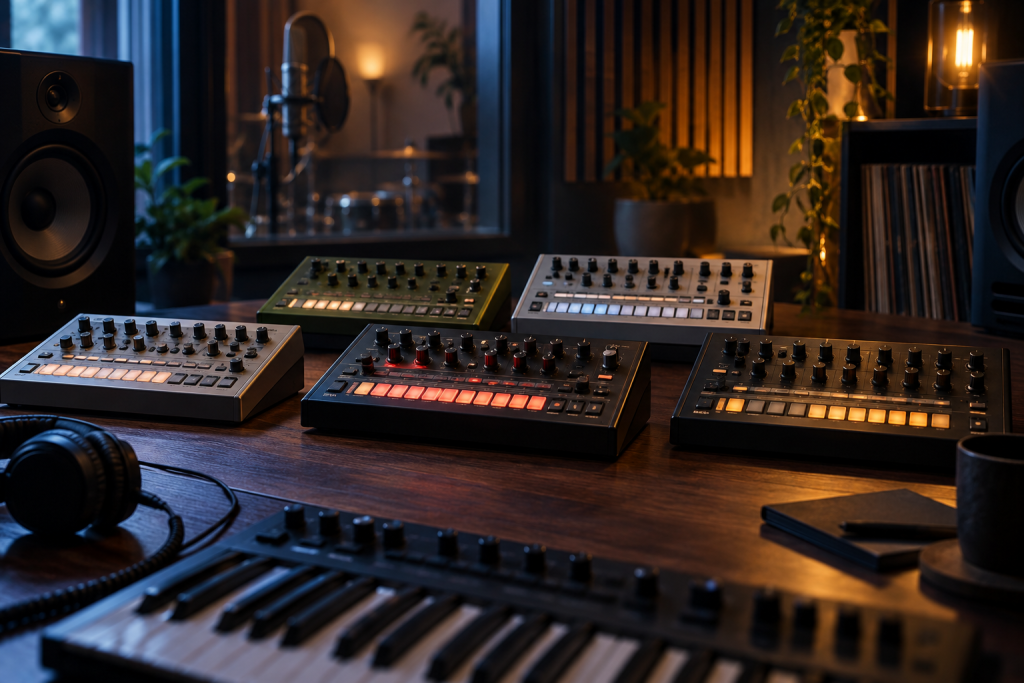
Five synthesized drum machines, one download, and a name that sounds like it was designed for a basement studio at 3am. Low Frequency Gallery has released Golpe alongside four more free drum machine plugins in VST3 format. If you make techno, electro, or house and you’re tired of scrolling through the same 808 sample folders, this is worth ten minutes of your time.
I’m not going to pretend I’ve spent a month with these. But the concept is interesting enough to dig into, and the fact that they’re synthesized rather than sample-based changes how you use them.
Why synthesized drum machines still matter in 2026
Sample packs are convenient. Grab a kick, drop it in Simpler, move on. But a synthesized drum machine gives you something a WAV file fundamentally can’t: parameters you can automate, modulate, and push into territory the original recording never went.
That’s the appeal of tools like these. You’re not loading a static kick. You’re shaping an oscillator, a pitch envelope, a noise source, and a filter. That opens up kicks that slide from 60Hz to 40Hz over 200ms, snares with tunable noise decay, hats with metallic ratio control. The kind of stuff that makes a track feel like it was built rather than assembled.
Free synth drums are having a moment. You’ve got free wavetable and analog-modeled synths covering just about every synthesis type now, and the drum side is catching up. Vital handles your wavetables, Surge XT does hybrid synthesis, and now there’s a growing set of dedicated percussive instruments that don’t cost anything.
What Golpe and the other four actually are
Low Frequency Gallery is a small operation, and the release is a bundle: Golpe plus four more synthesized drum machines, all free, all VST3.
That’s the honest scope. I don’t have confirmed details on every parameter of every machine, and I’d rather tell you that than invent a spec sheet. What I can say is what “synthesized drum machine in VST3 format” means in practice for your workflow.
VST3 matters here. It means proper sidechain input support in most DAWs, which for a drum machine is genuinely useful. You can route a kick through the sidechain of your bass compressor without reaching for a separate plugin instance. It also means better parameter automation and more stable plugin scanning than VST2 in modern hosts.
Where a bundle like this fits
- Synthesis, not samples. You’re getting oscillators and envelopes, not recorded hits. That means every sound is malleable.
- Free, no lite version. The free plugin landscape has shifted. Tools that would have cost money a few years ago are now genuinely free and fully featured.
- A gallery, not one machine. Five instruments means you can dedicate each to a role: one for kicks, one for snares and claps, one for hats and metallic percussion, one for toms, one for weird synthesis experiments.
That last point is the real selling point. Most free drum plugins give you one machine with limited voicing. Five separate machines means you can build a full kit without every element sharing the same synthesis character.
How I’d actually use these in a track
Here’s the workflow that makes sense to me. Pick one machine for your kick. Dial in the pitch envelope until the fundamental drops the way you want. That’s your anchor. If the plugin has a noise layer, keep it subtle, just enough click to cut through a busy mix.
Then take a second machine for snare and clap. Synthesized snares are tricky because they live or die on the noise-tone balance and the decay shape. A good synth snare has a snappy noise burst over a tuned body, with the body tuned to a note that complements your track key. Here’s where a synth drum beats a sample: you can retune the body per track.
Hats get the third machine. Tune the metallic character, shorten the decay, and you’re set. If the machine offers multiple hat voicings (closed, open, pedal), even better.
That’s three machines and you haven’t touched the other two. That’s where things get fun. Route one through a distortion plugin, resample the output, and suddenly you’ve got a texture that doesn’t sound like anyone else’s kit.
The resample trick is worth calling out. Bounce a synth drum machine’s output to audio, chop it, process it, and you’ve turned a free plugin into an infinite source of unique one-shots. That’s how you avoid sounding like everyone else who downloaded the same free pack.
The trade-offs you should know about
Free doesn’t mean perfect. A few things to watch for with any small-developer synthesized drum plugin.
UI and workflow. Independent developers don’t always nail the interface. A great-sounding machine with a frustrating layout still slows you down. Worth checking before you commit to it in a session.
Documentation. Smaller releases sometimes ship without a manual. For a synth drum machine that’s a problem, because you need to understand the envelope and modulation routing to get good sounds out of it.
CPU. Five instances running simultaneously, each with multiple oscillators and filters, adds up. On a modest machine you’ll want to resample early rather than run everything live.
Format lock-in. VST3 only. If you’re on a host that doesn’t support VST3 natively, check your bridging options before you download. Most modern DAWs are fine.
The case for trying them
Here’s my honest take. A free bundle of five synthesized drum machines is a low-risk experiment. Worst case, you delete them and lose nothing but the download time.
Best case, you find one machine whose kick synthesis you actually prefer to the samples you’ve been using for years. That’s not a small thing. Your kick is the foundation of every track. If a free plugin gives you more control over it than a folder of WAVs, that’s worth a permanent slot in your template.
The broader picture is that the free plugin ecosystem in 2026 is genuinely competitive. Between synths like Vital and Surge XT, dynamic EQs like TDR Nova, and reverbs like Valhalla Supermassive, you can build a complete production toolkit for zero dollars. Adding free drum machines to that list just fills in another gap.
Download it. Load it. Make one kick you’re happy with. That’s the whole test. If the kick works, so does the plugin. If it doesn’t, you’ve lost nothing.
Low Frequency Gallery’s drum machine bundle is available as free VST3. Grab it, see what the five machines cover, and build one drum kit from scratch before you go back to your sample folders. You might not go back.