Straight 16ths on a house track sound like a spreadsheet. Perfectly quantized hats, kick on every beat, snare on two and four, and nothing moves. The grid is a starting point, not a finished groove. I’ve lost more hours trying to “fix” stiff drums with plugins than I’ll admit, and the honest answer is usually boring: the timing was wrong before the sound design was.
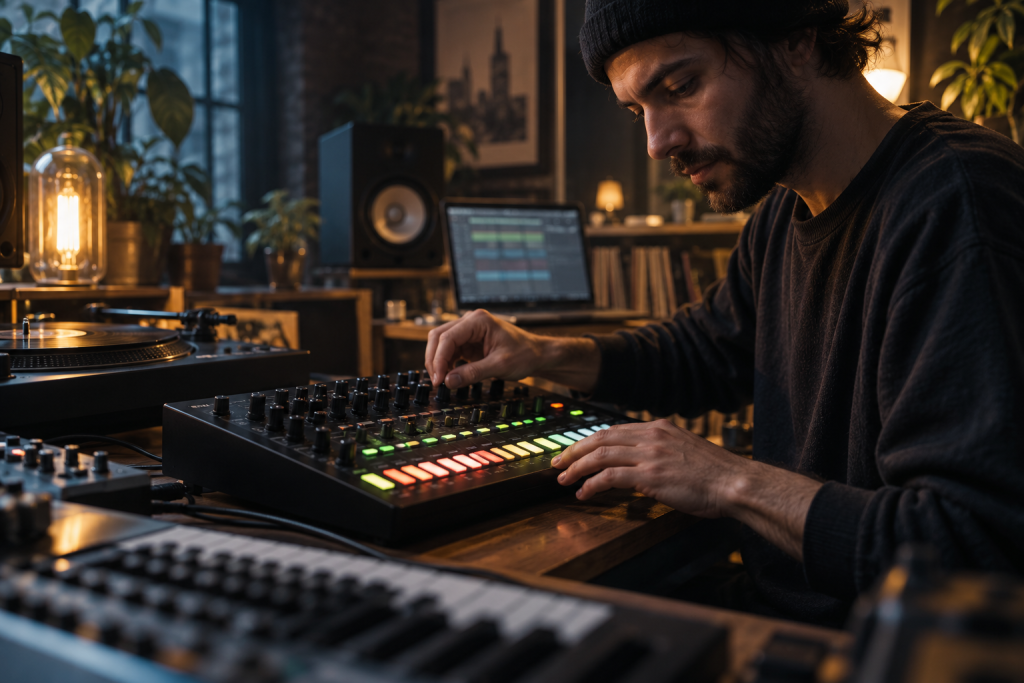
This is where a box like the Roland TR-8S earns its keep, and where knowing your swing and shuffle settings beats buying another sample pack. Let’s talk about what actually happens when you push drums off the grid, and how to do it without wrecking the feel.
Why house drums need to leave the grid
House lives or dies on the pocket between the kick and the hats. If everything locks to the same 16th-note grid, you get a loop that loops, mechanically. The ear hears the repeat. It stops hearing the groove.
Swing does one specific job: it delays certain subdivisions so the space between hits becomes uneven. On hardware sequencers this is a timing decision, not a random one. That distinction matters more than people realise. A MIDI timing processor like Push and Groove’s GROOVE60, for example, is explicitly built around what the developer calls “deterministic timing decisions” rather than random humanisation. It doesn’t add random timing drift, velocity variation, or jitter. The groove comes from predictable shifts you can reproduce on demand.
That’s the same philosophy baked into classic drum machines. The swing is a math function, not a vibe you have to feel out by hand every time.
Understanding swing percentages (and what they actually mean)
The numbers look abstract until you map them to a feel. On GROOVE60 the product page gives three useful anchors: 50% for straight timing, 66% for a triplet-style feel, and 75% for a heavier swing.
Those translate directly to what you’d dial on a TR-8S or any x0x-style sequencer. At 50%, nothing moves. It’s a metronome. At 66%, you’re pushing the offbeat hits roughly two-thirds of the way toward the next note, which is where the classic triplet bounce shows up. Above 75% it starts to lurch, and past a point it just sounds broken unless you’re doing it deliberately.
For 4/4 house, most of my shuffles sit between 60% and 68%. Lower than that and the hats still feel stiff. Higher and the groove gets drunk.
One more thing worth knowing: swing only activates when Timing Correct is set to 1/8 or 1/16 on GROOVE60. That’s a useful reminder that swing operates on specific subdivisions. If you don’t define the grid you’re swinging, you’re just moving notes around and hoping.
Timing Correct: pick your grid before you swing it
Timing Correct snaps playback to a defined resolution: OFF, 1/8, 1/8T, 1/16, 1/16T, 1/32, or 1/32T. Swing rides on top of that. So the sequence is: choose the subdivision, then choose how hard to push it.
In practice this means your 1/16 hats and your 1/8 shaker pattern can carry different swing amounts, because the swing maths is tied to whichever grid each part lands on. On the TR-8S you’re applying swing per-kit or per-pattern depending on how you set it up, so you can let the hats shuffle while the kick stays dead straight. The kick should usually stay straight. If the kick drifts, the whole track wobbles.
Stacked hits and the FIFO queue feel
Here’s something people miss when they think about groove. A lot of “groove” isn’t about where the main hits land. It’s about what happens to hits that collide.
GROOVE60’s timing engine includes something called FIFO Queue feel. When multiple MIDI notes land at the same time or nearly the same time, it preserves their order and lets later events sit slightly behind the first. The result is a bit of depth on stacked events without randomising the whole performance.
Think about what that means for a house track. Layer a kick and a sub at the same step. Small timing offsets make them read as one bigger hit instead of two plastered-together transients. Same for a clap on top of a snare. The Q-SENS control decides how strongly the processor reacts to those stacked events, with Classic, Enhanced, and Hot settings covering different amounts of queue feel.
This is the part nobody tells you about when they say “just move your hats slightly.” The interaction between simultaneous hits is where a drum machine’s character actually comes from.
Straight-timing versus squeaky-clean: pick your lane
Two starting points worth stealing:
- Classic drum machine feel: Timing Correct at 1/16, swing around 60%, Q-SENS on Classic. This is where house and Detroit-flavoured stuff lives.
- Straighter groove with queue feel: swing at 50%, Q-SENS on Enhanced. You keep the timing grid intact but get the stacked-event depth. Useful for minimal and anything that needs to feel machine-tight without feeling lifeless.
The first point is the one I reach for when a track feels like it has no swagger. The second is where I stay when I want the groove to come from sound design instead of timing, which is a lot of modern house.
Doing it on the TR-8S specifically
Everything above applies to the TR-8S, because the box runs a 16-step grid with per-part shuffle and accent. The three levers are the same three levers:
- Shuffle amount. Global or per-part, depending on how you’ve set it up. Start around 60% for hats, leave the kick at zero.
- Step resolution. Fine 16ths lock to the grid. Drop to 8ths or 16th triplets and you’re in different-feel territory immediately.
- Accent and velocity. This is where most TR-8S patterns lose their life. A flat velocity pattern will sound stiff no matter how much shuffle you dial in.
The trap I fall into: adding shuffle to everything. The hats and the shaker can shuffle hard. The kick and the clap usually shouldn’t. When you swing the whole kit uniformly, you get a loop that sounds like it’s wearing clown shoes. Pick the parts that should breathe.
If you want to experiment outside the box first, a plugin that processes incoming MIDI gives you a safety net: GROOVE60 doesn’t rewrite your MIDI clips. It works at playback, so bypassing the plugin brings the original performance right back. That’s a much better way to audition groove ideas than committing destructive edits to a piano roll at two in the morning.
Humanising without random
There’s a myth that great drums need random timing drift. Not true. Random timing is what you get when you don’t know where the groove is supposed to sit. The classic Roland and Linn machines didn’t randomise anything. Their swing was a deterministic formula.
That’s the lesson for house drums. Choose a subdivision. Choose a swing amount. Decide which parts move and which stay locked. Add velocity variation on the parts that shuffle. Then stop. If the groove isn’t there after those three decisions, the problem is probably the pattern itself, not the timing.
Use random variation as a last resort, not a first move. Random feels like nothing. Deterministic feels like a groove.
One practical workflow that works
Program the kick dead straight. Program the hats and shaker at 1/16 with swing around 62%. Program the clap and snare straight, but pull the clap off the snare by a hair using stack/queue feel. Then vary hat velocity across the bar in a repeating pattern, not randomly. Take a listen. If it swings, save it as a starter pattern and reuse it. If it doesn’t, change one thing at a time. Change the shuffle amount by five percent. Change a velocity. Change which part carries the swing.
A groove is a small number of deliberate decisions. The TR-8S and any decent MIDI timing processor give you those decisions in a form you can dial and recall. The hard part isn’t the tool. It’s stopping yourself from moving everything at once.